
Overview
Start here — what Agent Network Studio is and a 10-minute path to your first traced broker.
You know Anypoint Platform. You've wired flows in Studio, published to Exchange, deployed to CloudHub. Agent Networks are the next thing you'll build there — and this studio is the friendly, UI-first way in. No code editor required to get started.
What is this?
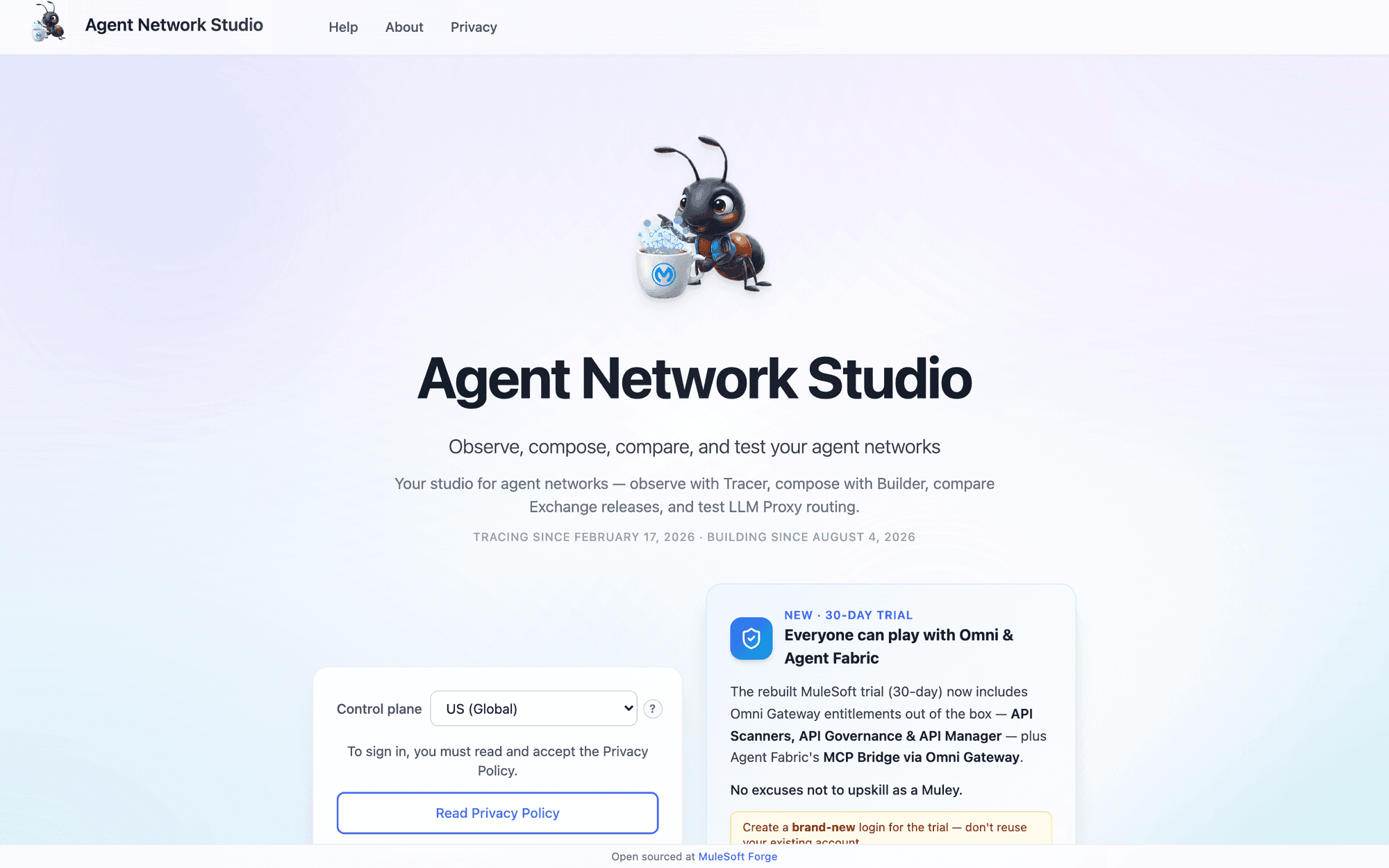
Agent Network Studio is a suite of three browser tools for building, shipping, and observing MuleSoft Agent Networks — AI agents that talk to each other, call tools, and reason with LLMs over the A2A (Agent-to-Agent) protocol.
If Anypoint Code Builder felt code-first and unforgiving when you first met Agent Networks, this is the antidote: you compose on a canvas, you deploy with a button, and you watch what your agents actually did on a live graph. Think of it as Anypoint Studio for agents.
New to the vocabulary?
Coming from MuleSoft integration
Almost everything you already know maps across. Here's the Rosetta Stone:
| In integration you'd… | In an Agent Network you… |
|---|---|
| Build a Mule app in Studio | Compose a broker (the deployed agent runtime) in Builder |
| Draw a flow of connectors & components | Draw a node graph of LLM, tool, and routing steps in AgentScript |
| Reuse Exchange assets (connectors, APIs) | Reuse Exchange assets (LLMs, MCP servers, agents) |
| Expose an API via APIkit / a listener | Expose an A2A card — the agent's public front door |
| Publish & deploy to CloudHub | Publish & deploy the same way in Build & Publish |
| Debug with Anypoint Monitoring | Trace every task, hop, and LLM decision in Tracer |
The big new idea: instead of a deterministic flow you author every step of, a broker is LLM-driven. You describe intent, wire the tools it's allowed to use, and it decides what to do at runtime. Builder keeps that honest with a visual graph so the non-determinism stays readable.
The three tools
Tracer
See what your brokers are doing.
Live observability for deployed brokers: the network graph, per-task traces, and the LLM's reasoning.
Open guideBuilder
Compose, never create.
Visually author an Agent Network 2.0 project — wire Exchange assets, draw the broker graph, export the bundle.
Open guideBuild & Publish
Ship it for real.
Run the real Anypoint CLI lifecycle from the browser: build, publish to Exchange, deploy, and tear down.
Open guideTwo more surfaces ride inside Tracer: Exchange Versions (diff two published releases of a network) and LLM Proxy (test Flex Gateway LLM routing). They share Tracer's shell — see the Tracer page.
Quickstart (about 10 minutes)
The fastest way to feel the whole loop is to open the prebuilt example, deploy it, and trace it. You need an Anypoint account with an organization you can publish to.
- 1
Sign in and pick a business group
Sign in with your Anypoint credentials, then choose a business group in the left sidebar. Nothing unlocks until you do — it's the scope for everything that follows.
- 2
Open the Vogue Premiere example in Builder
In Builder, choose Open prebuilt template. It loads a complete, 20-node Style Concierge broker that exercises all seven node kinds — a genuinely good teaching artifact. Explore the graph; click nodes to read their playbooks.
- 3
Publish & Deploy it
Open Build & Publish, load your current Builder project, pick an environment and a gateway, fill in any secret variables (your OpenAI key), and hit Publish & Deploy. Watch the CLI stream its work.
- 4
Trace it live in Tracer
Back in Tracer, select the environment and your new broker, then use the Invoke rail to send it a message. The graph lights up node-by-node; open a task to read exactly what the LLM decided and why.
What you need
- An Anypoint Platform account. The studio signs in with a Connected App (OAuth) — no separate username/password. Your own Anypoint roles govern what you can publish and deploy.
- A business group you can publish to for the full deploy loop. Read-only exploration (Tracer, Exchange Versions) needs only membership.
- An LLM credential (e.g. an OpenAI API key) if you deploy the example — brokers call real models at runtime.
- A Chromium browser (Chrome/Edge) if you want "Save to folder" in Builder or "Choose folder" in Build & Publish. Everything else works in any modern browser.
For the deeper "why do I need view:monitoring?" questions and the entitlement that unlocks full-fidelity tracing, see the entitlementsection. Full Anypoint docs live at docs.mulesoft.com/agent-network.